Showing posts with label gopro. Show all posts
Showing posts with label gopro. Show all posts
Thursday, September 21, 2017
Ubuntu Tip Connecting To GoPro Hero4 Silver via WiFi
Ubuntu Tip Connecting To GoPro Hero4 Silver via WiFi
Any body who owns a GoPro camera will likely know you can connect to it using the GoPro app on your tablet. You will also know that GoPro has some handy video editing software that they will give you for free. All you have to do to get it is head over to their website and download it. Unless youre a Linux user. Its Mac and Windows only.
The tablet app is Android compatible. However it would not let me download files to an SD card. It seems to want to use the tablets own internal storage. And since the videos are quite large. This can be problematic.
Now youd think the easy way around this would be connecting the camera to a desktop PC and using the USB port or simply removing the SD card. Neither of these options were working out for me. USB connectivity was spotty and irritating. Sometimes the camera would show me the files. And then nothing would happen when I tried to copy them or my PC would freeze.
Im not really sure what the issue is. But GoPro Hero4 and USB transfers are just not an option on my PC.
I had similar issues with the 64GB SD card. Which actually wasnt even recognised by Ubuntu at all. Its likely my little USB adapter just cant handle it. Whatever the problem was. Ubuntu just didnt see the card at all and so couldnt mount it.
I thought I had made a horrific error in buying GoPros. I use them while commuting to work on my bicycle. So I started looking for a solution. And found a link which described how to stream live video from a GoPro using VLC. The tutorial was for the Mac. But all it needed was a WiFi connection to the GoPro camera, a web browser and VLC. Nothing Mac specific then.
So I figured if I can stream live video. Maybe I can transfer pre-recorded videos. And I was right.
Step 1: Enable the WiFi on your GoPro using the GoPro app option and NOT the RC.
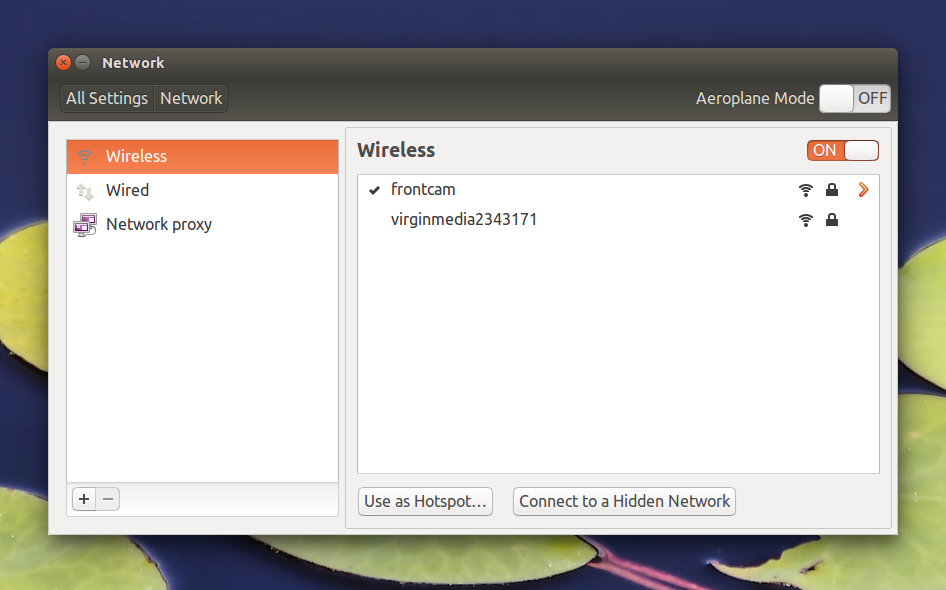
Step 2: Connect to the GoPros WiFi network as you would with any other network. It will be named whatever you named the camera when you connected to the Android app. If you havent done this yet. Do it now.
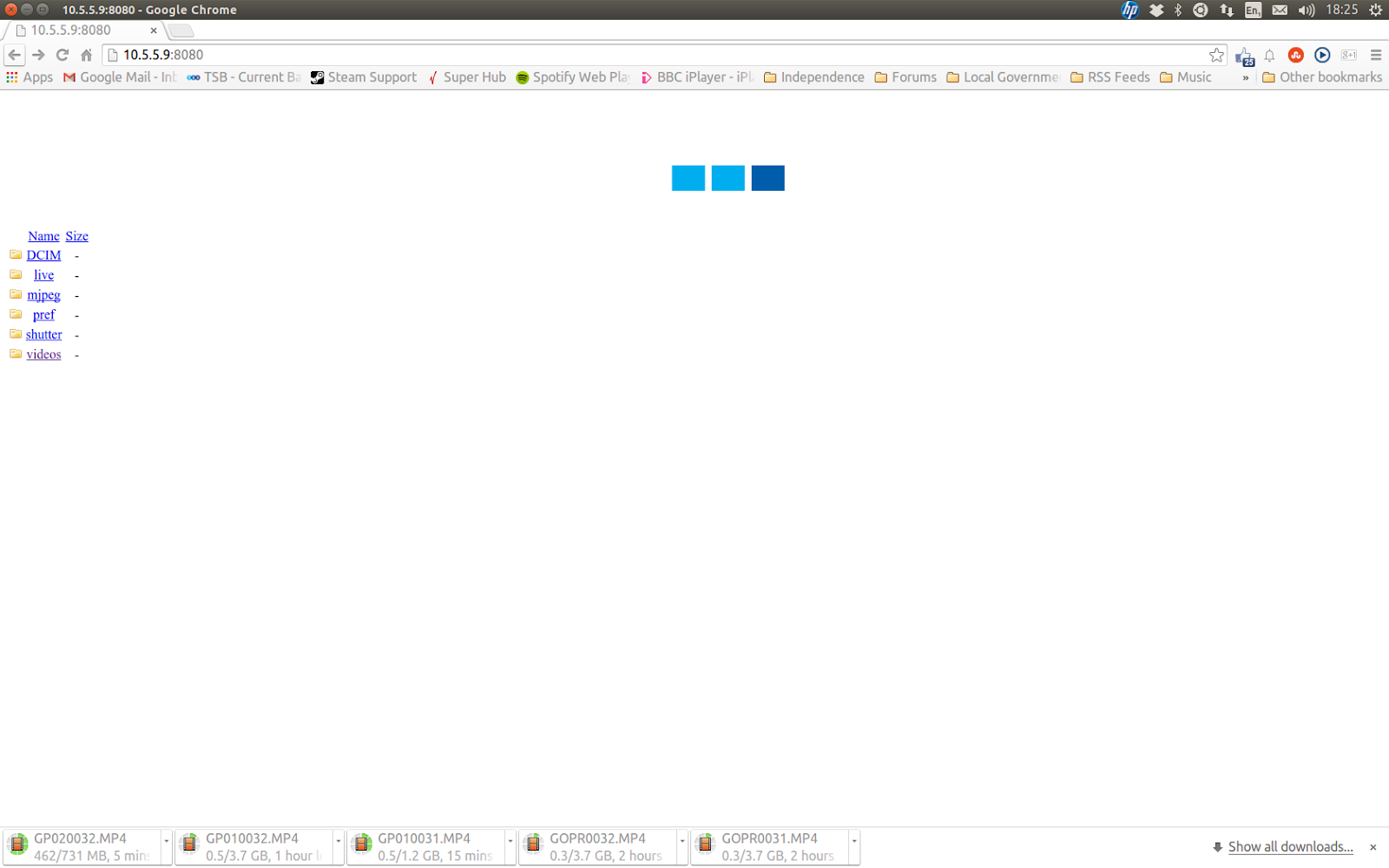
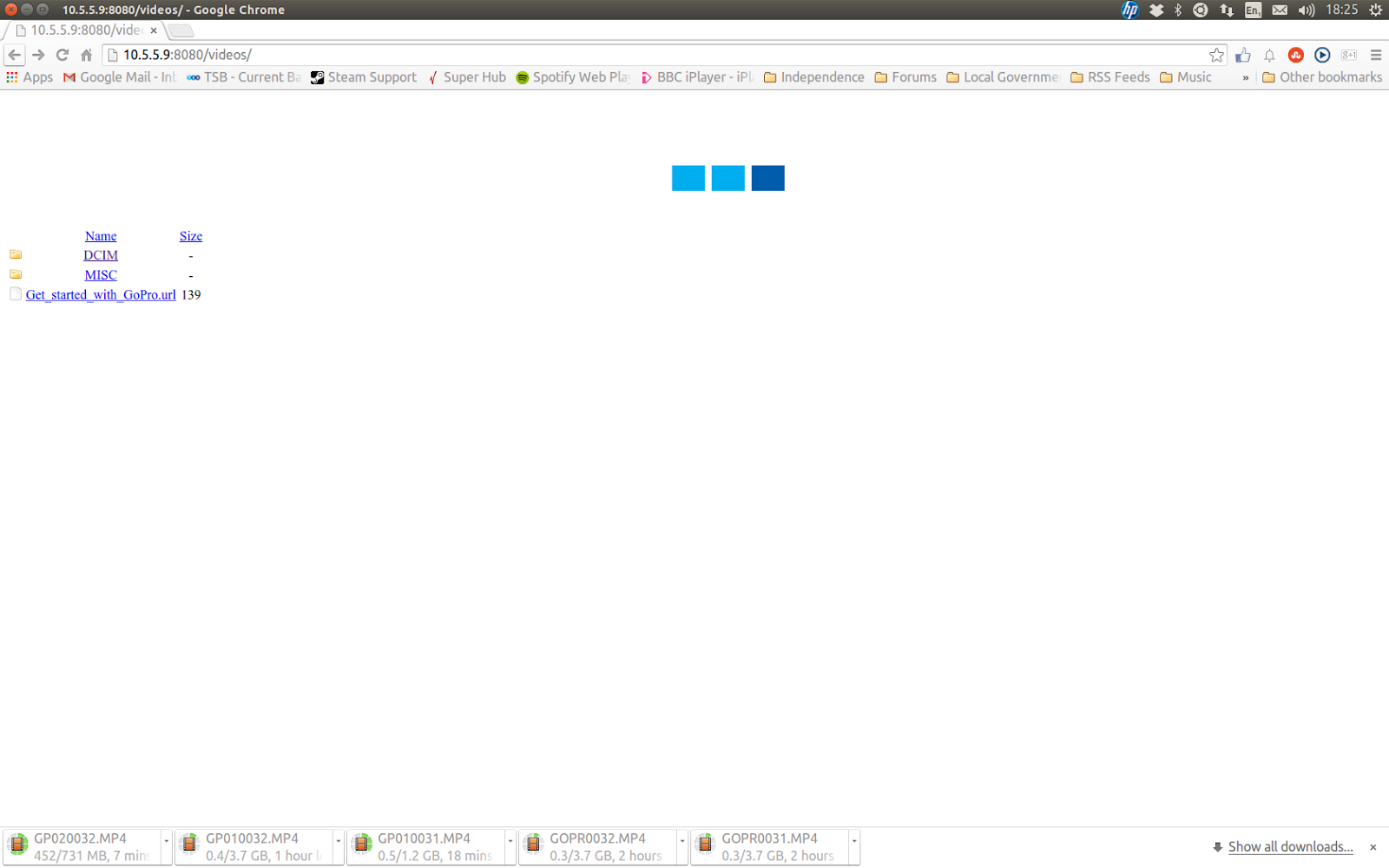
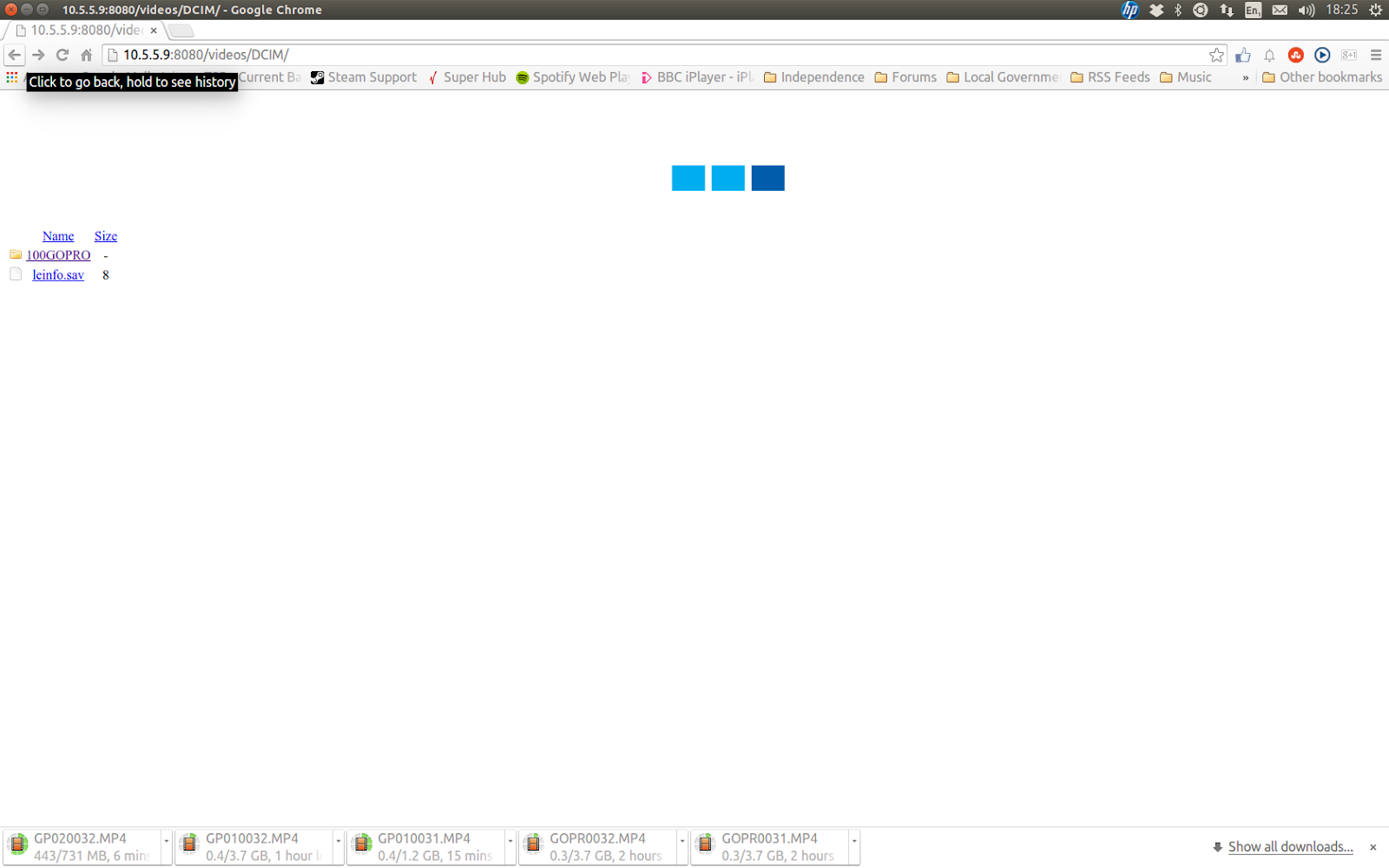
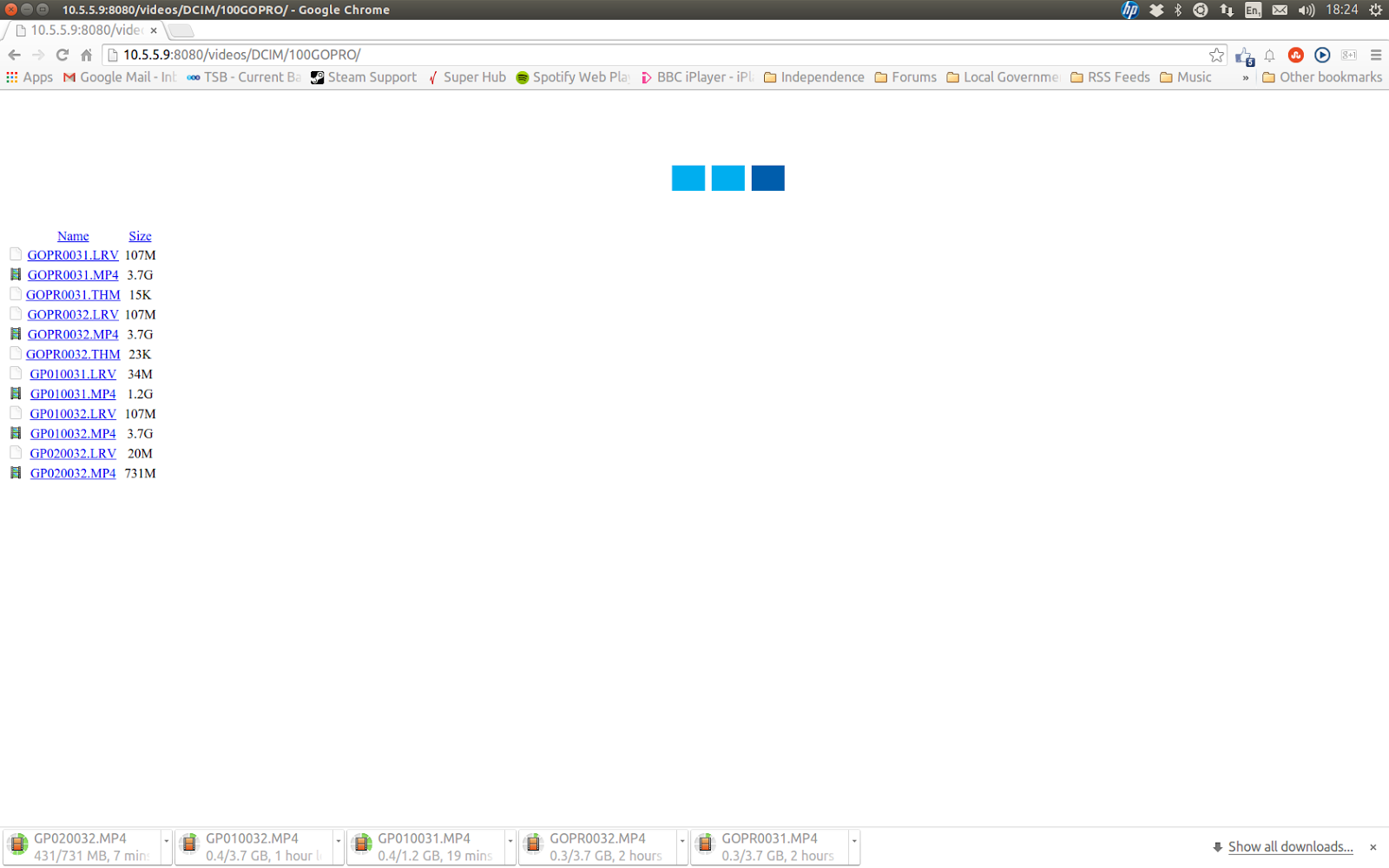
Step 4: Click on the video file you want to download as you normally would with any other file.
And thats all there is to it.
EDIT - 07/07/2015: Some folk might prefer this method.
download file now

Saturday, August 19, 2017
Ubuntu Tip GoPro Hero 4 gphoto2 USB
Ubuntu Tip GoPro Hero 4 gphoto2 USB
There are a couple of methods in Ubuntu to get your content off of a GoPro. We can connect to the GoPro over WiFi. We can download content directly from the SD cards and we can download content from the camera via USB. Just drag and drop.
Each method has is pros and cons. WiFi can drop out and its painfully slow for 4GB HD video files. Constantly removing and inserting SD cards does them no favours. And dragging and dropping is hard to automate with a script.
Finding the GoPro on the command line takes effort. I personally couldnt do it. Yet Nautilus finds the camera without any problem. And if you look at the actual address of the camera in Nautilus (ctrl+l). Things get a bit stranger still. Its not a normal directory listing. Instead we get something weird , "gphoto2://[usb:003,003]/". Which the usual command line tools wont touch.
There are a number of ways we can get around this problem. We can opt for WiFi and wget. Except WiFi is slow. Fortunately the clue we need is in the camera address. In particular the "gphoto2" part. This seems to be part of a suit of tools for nix OSs. It allows them to talk to digital cameras. And Ubuntu doesnt have the command line tools installed by default.
We can however fix this. Open a terminal and run the following command.
sudo apt-get install -y gphoto2
Before attempting to use the gphoto2 command line tool. Unmount the GoPro in Nautilus. Otherwise the gphoto2 command line tool wont be able to talk to the GoPro.
I havent actually downloaded any files with this tool yet. But I can confirm that it will talk to a GoPro Hero 4 Silver edition camera. There are a lot of switches listed in the man page Id like to read over and understand before diving in. But if you want to download files from your GoPro via the command line over USB. This seems to be the way to go.
To be continued ...
download file now
Monday, August 7, 2017
Ubuntu Tip GoPro and exFAT
Ubuntu Tip GoPro and exFAT
Previously I have described how Ubuntu users can connect to their GoPro cameras over a WiFi network. I also noted that Ubuntu didnt seem to like the 64GB SD cards. Well it seems they are formatted to the exFAT file system. Which means we can fix this problem with one simple command.
All we need to do is open a terminal with Ctrl+Alt+t and install a few packages with the following command. Enter your password when prompted.
sudo apt-get -y install exfat-utils exfat-fuse
download file now
Subscribe to:
Posts (Atom)